
How to Mark Messages as Unread in GB WhatsApp
Marking a message or conversation as unread can help you remember to reply later. If you open a message but do not have time to respond, the unread indicator can serve as a reminder when you return to your chat list.
GB WhatsApp’s interface may vary between versions, but you can check whether your installed version provides an option to mark conversations as unread.
What Does Mark as Unread Mean in GB WhatsApp?
The Mark as Unread option lets you flag a conversation so that it stands out in your chat list. It is primarily a personal organization feature that helps you remember which chats need attention.
Marking a conversation as unread does not necessarily reverse the read status already sent to the other person. It should not be confused with disabling read receipts or hiding blue ticks.
How to Mark a Chat as Unread in GB WhatsApp
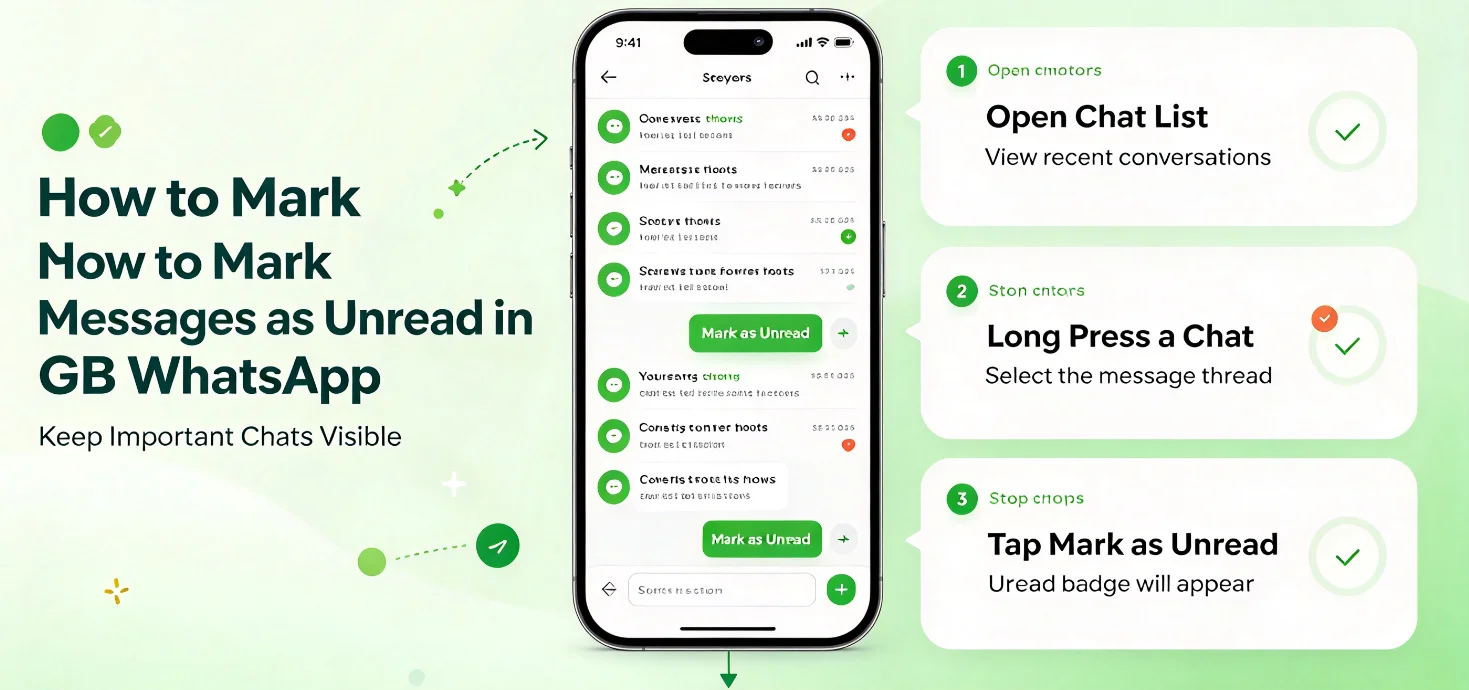
Follow these steps if your version includes the feature:
- Open GB WhatsApp on your Android phone.
- Go to the main chat list.
- Find the conversation you want to mark as unread.
- Press and hold the conversation to open the available actions.
- Look for Mark as Unread in the toolbar or additional menu.
- Tap the option to mark the conversation as unread.
- Return to the chat list and check whether the unread indicator appears.
The exact steps can vary by version. Some interfaces may place the option inside a three-dot menu rather than displaying it directly.
How to Mark a Chat as Unread After Opening It
If you have already opened a conversation, you may still be able to mark it as unread manually.
- Return to the main chat list.
- Press and hold the relevant conversation.
- Select Mark as Unread, if available.
- Check the chat list for the unread indicator.
This can help you remember to respond later. However, it does not guarantee that the other person will see the message as unread on their device.
What If the Mark as Unread Option Is Missing?
If you cannot find the option, try the following:
- Check the chat list: The option may appear only when you press and hold a conversation.
- Open the additional menu: Look for other actions available for the selected chat.
- Check your app version: Menu options and supported features can differ between releases.
- Use the official app’s available options: If your modified version lacks the feature, consider using the supported conversation-management functions in official WhatsApp.
Avoid installing an unknown APK just to access a single feature.
Mark as Unread vs. Disable Blue Ticks
These options serve different purposes.
| Feature | Main purpose |
|---|---|
| Mark as Unread | Reminds you to revisit a conversation |
| Disable Read Receipts | Controls whether supported read receipts are shared |
| Mute Chat | Reduces or stops notifications from a conversation |
| Archive Chat | Moves a conversation out of the main chat list |
Marking a chat as unread is primarily for your own organization. Read-receipt settings concern what others may be able to see, while mute and archive options change how conversations are managed.
Frequently Asked Questions
Can I mark an individual message as unread in GB WhatsApp?
The available feature may operate on an entire conversation rather than an individual message. Check your version’s menu to see which options are supported.
Will marking a chat as unread remove the blue ticks?
No. Marking a chat as unread does not necessarily reverse a read receipt that has already been sent.
Can I mark a group chat as unread?
If your version supports the option for group conversations, you may be able to mark a group chat as unread in the same way as an individual conversation.
Why does the unread indicator disappear after opening the chat?
Opening a conversation may mark it as read again. If you need a reminder, use the available unread option after leaving the chat.
Is Mark as Unread available in every GB WhatsApp version?
No. The feature and its menu location can vary. Check the options provided by your installed version rather than assuming that all releases work identically.
Final Advice
Marking chats as unread can be useful when you want to organize conversations and remember which contacts need a reply. If the feature is available, use it as a reminder rather than as a way to undo read receipts.
GB WhatsApp is an unofficial third-party modification that is not affiliated with WhatsApp or Meta. Modified apps may introduce privacy, security, and account risks, so review the implications before using them.